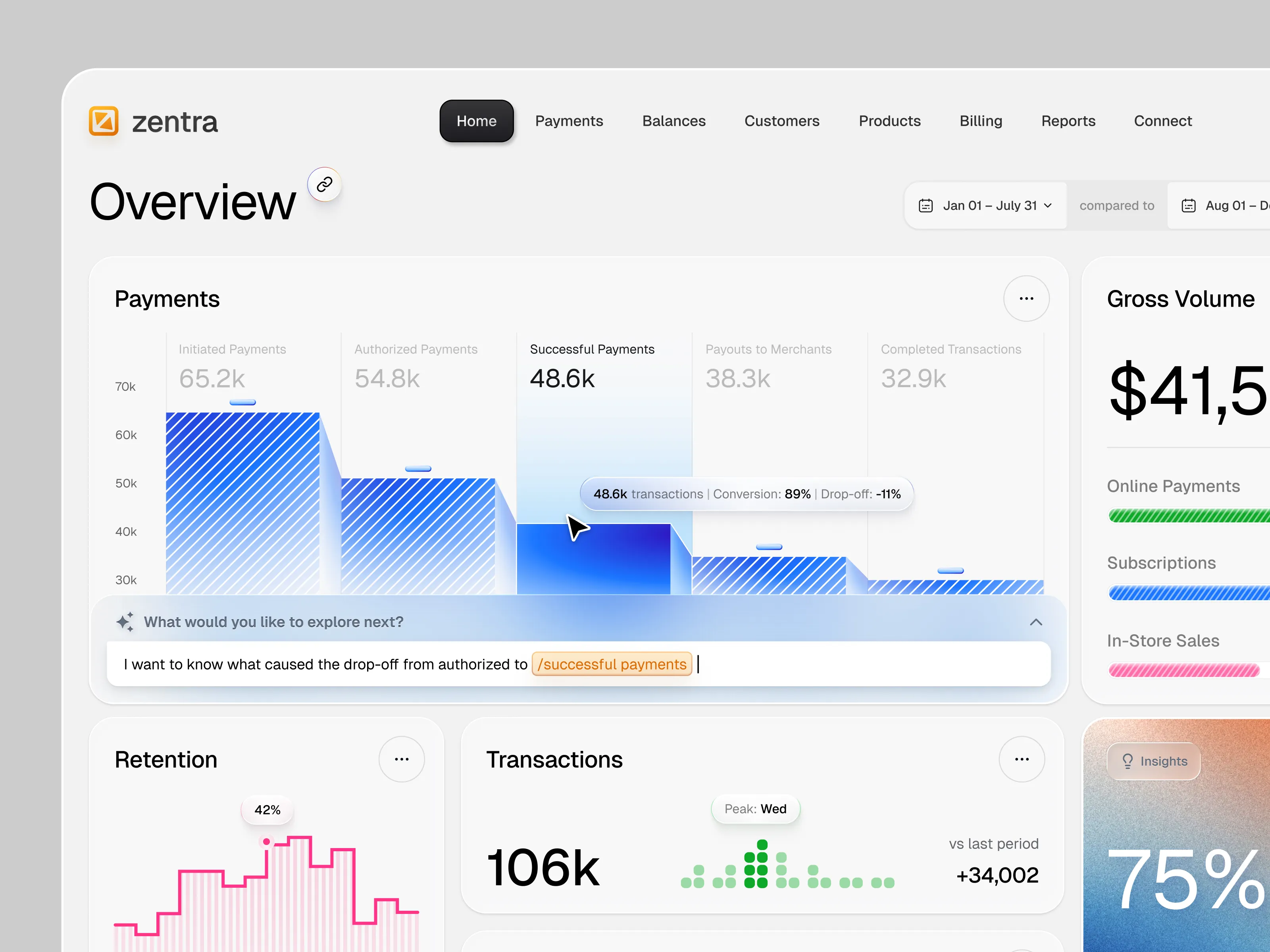
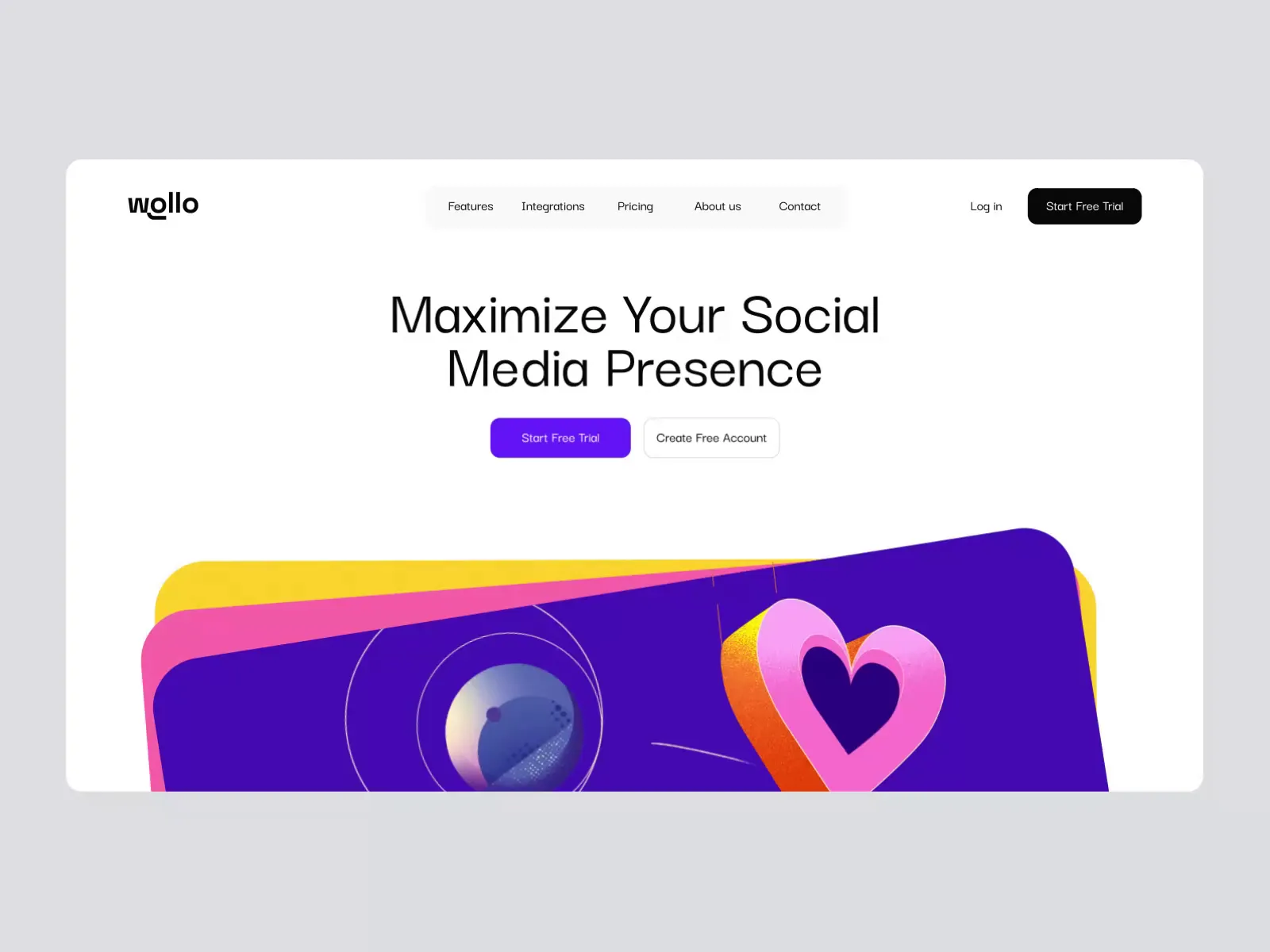
Threads ad specs decide whether a shared Meta asset delivers in the Threads feed or drops out of that placement. Many guides still repeat older numbers, so designers often build to the wrong canvas.
This guide lists the specs Meta currently publishes, shows how the crop rule changes a layout, and covers the checks to run before export. The social media image sizes guide keeps the wider campaign’s format planning in view.

Scale creative without
adding headcount.
See how Studio works
Table of Contents
What are Threads ad specs?
Threads ad specs are the file, ratio, size, and text rules an ad must meet to deliver in the Threads feed. Meta publishes them in its Business Help Center for image, video, and carousel ads.
Threads feed always runs beside Instagram feed or Facebook feed, so one asset usually serves several placements. That pairing makes the crop rule as important as the upload size.
- Threads accepts a wide ratio range but displays only part of a tall asset.
- A Threads delivery failure can leave the ad running on Instagram, so it is easy to miss.
- Three fields conflict between Meta’s own sources and need a preview check before launch.
- A crop review must cover the image and its paired ad text together.
What are the standard Threads ad specs?
The table below covers the Threads feed rules Meta publishes for each ad format. Size and text fields sit in the placement comparison that follows.
|
Field |
Image ads |
Video ads |
Carousel ads |
|---|---|---|---|
|
Supported ratios |
1.91:1 to 9:16 |
1.91:1 to 9:16 |
1.91:1 to 9:16 |
|
How Threads displays it |
Images taller than 4:5 are cropped and vertically centered to 4:5 |
Videos taller than 4:5 are cropped and centered to 4:5 |
Card crop behavior is unconfirmed |
|
Assets per ad |
One image |
One video |
2 to 10 image cards |
|
Field rules |
URLs are unsupported in primary text |
URLs in primary text and video captions are unsupported |
A landing page URL is required |
Values come from Meta’s About ads on Threads help page and the Threads ads creation reference for the Marketing API. Both were checked on November 28, 2026.
How do Threads ad specs compare with Instagram and Facebook feed?
Threads feed cannot be selected on its own in Ads Manager. Compare its fields with the paired placement before choosing a master canvas.
|
Field |
Threads feed |
Instagram feed |
Facebook feed |
|---|---|---|---|
|
Recommended image resolution |
1440 × 1440 px |
1440 × 1800 px |
1440 × 1800 px |
|
Minimum image width |
500 px |
500 px |
600 px |
|
Maximum image file size |
Not listed |
30 MB |
30 MB |
|
Recommended video resolution |
1440 × 1800 px |
1080 × 1920 px (9:16) |
1440 × 1800 px (4:5) |
|
Maximum video length |
500 seconds |
60 minutes |
241 minutes |
|
Recommended primary text |
80 to 160 characters |
125 characters |
50 to 150 characters |
|
Headline |
40 characters |
40 characters |
27 characters |
|
Aspect ratio tolerance |
Not listed |
1% |
3% |
Instagram and Facebook values come from the Meta Ads Guide image specs and video specs, checked on November 28, 2026. The Meta ad specs guide covers the wider placement family.
Quick check: a 9:16 video built for Instagram feed loses height on Threads. Build a 4:5 master when Threads delivery matters to the campaign.
Which Threads ad specs are still unconfirmed?
Meta’s help page and its Marketing API reference disagree on three fields. This guide leaves their numbers out until Meta aligns the two sources.
- Maximum primary text length: the two sources give different caps. Text over the cap stops Threads delivery, so keep copy within the recommended range.
- Hashtags in primary text: the help page allows them, while the developer reference says captions do not support them.
- Carousel card cropping: the sources describe different crop rules for cards that are not square.
Confirm each field in the Ads Manager preview for your account. Record the source, the preview result, and the check date beside the field.

The blue-and-white collage keeps its identity through repeated type and image treatments. Pick the single panel that could become a still-image concept, then name the cue that must survive the crop.
Which file formats does Threads accept for ads?
Meta recommends JPG or PNG files for Threads image and carousel ads. Video ads accept MP4, MOV, and GIF files.
Video files should not contain edit lists or special boxes in their containers. Meta lists no separate file size cap for Threads, so export within the cap of the paired placement.
Export one file per approved layout and name it with the package ID described below. That naming keeps each upload traceable to its approved version.
How do you resolve contradictory spec advice?
Third-party guides mix paid ad fields, organic post sizes, and launch-era figures. A shared keyword does not make those fields equivalent.
Use a conflict register to hold a disputed field until a current Meta source resolves it. Avoid picking the largest or newest-looking number by default.
|
Disputed field |
Question to resolve |
Evidence owner |
Release rule |
|---|---|---|---|
|
Image dimensions |
Minimum, recommendation, or working canvas? |
Ad operations |
Record the field label and source page |
|
Text length |
Paid ad text or organic post text? |
Ad operations and copy owner |
Confirm the exact paid field |
|
Media support |
Available in this account and setup? |
Account operator |
Capture current eligibility |
|
Crop behavior |
Which format and placement preview? |
Designer and operator |
Approve the observed composition |
|
Version date |
Does this replace an older requirement? |
Editor |
Record effective date and source |
Organic Threads post limits are a common source of wrong figures. Record the paid field label and the Meta page it came from.
Keep the verification date beside each field. A date beside the article title alone does not show which field was checked.

The orange campaign separates headline, image, and action with strong contrast. That hierarchy gives reviewers named elements to check after a crop. Record whether each element survives before approving the layout.
What safe area should Threads ad creative use?
Meta publishes no separate safe zone for Threads ads. The crop rule in the standard specs table defines the visible area.
Take a 9:16 video master that is 1080 pixels wide and 1,920 pixels tall. Threads keeps a 4:5 frame, which is 1,350 pixels tall at that width.
The crop removes 1,920 minus 1,350, or 570 pixels. That means 285 pixels disappear from each vertical edge, so the visible band runs from y=285 to y=1635.
A price label spanning y=1600 to y=1720 keeps only 35 visible pixels. Move the label inside the band or build a separate 4:5 layout.
|
Check |
9:16 shared master |
4:5 master |
|---|---|---|
|
Canvas |
1080 × 1920 |
1080 × 1350 |
|
Visible on Threads |
y=285 to y=1635, centered |
Full frame |
|
Example label |
35 pixels visible |
Fully visible |
|
Decision |
Reposition or rebuild |
Approve after preview |
Approving the 9:16 master does not approve its Threads crop. Save the Ads Manager preview for each package before release.
Common mistake: borrowing a Stories or Reels safe zone for Threads. Those insets describe interface overlays on other placements.

The paired story layouts place type beside tall architectural photos. Their 9:16 format shows how much height a Threads crop removes. Mark the focal point and text block that must sit inside the visible band.
Why do Threads ads fail to deliver?
Meta’s help page lists conditions that stop an ad from delivering on Threads. The ad can keep running on its paired placements, so check placement breakdowns after launch.
- The Threads profile running the ad has no profile picture.
- The image or video is narrower than the minimum width.
- The primary text runs past the maximum length.
- A video runs longer than the Threads maximum.
- The ad uses dynamic creative, dynamic language optimization, or the partnership ads type.
- The setup boosts an Instagram post or reuses an existing Facebook carousel or multi-photo post.
- The setup reuses an existing Instagram carousel post with a single call to action.
- The format is a collection or an Instant Experience.
- An Advantage+ catalog ad uses the single video format, slideshow, or end card.
- A carousel uses placement asset customization.
Advantage+ creative can run on Threads, but its enhancements are not applied there. The Threads version uses your original creative, so review that file separately.
Ads on every placement must also comply with Meta’s Advertising Policies. Policy review is a separate check from these delivery conditions.
How many layouts should your team produce?
For an illustrative campaign, plan twelve candidates: two offers × three markets × two layouts. Suppose the client approves one layout per market after the preview check.
Those choices create 2 × 3 × 1 = 6 required visual exports. The remaining six candidates leave production.
|
Market |
Hypothetical chosen layout |
Offers |
Required exports |
|---|---|---|---|
|
US |
Approved square candidate |
2 |
2 |
|
France |
Approved portrait candidate |
2 |
2 |
|
UK |
Approved square candidate |
2 |
2 |
|
Total |
One verified selection per market |
2 per market |
6 |
The exclusion record matters as much as the export total. Note whether each dropped candidate was unnecessary, unsupported, or awaiting approval.
A new layout request reopens the affected market and offer pair. A revised offer reopens every selected layout that carries it. The design localization guide covers how market-specific copy changes move through the same review.
If video joins the scope, count its treatments and edits separately. A still-image count does not convert into a video estimate.
The yogurt-drink series repeats carton imagery and fruit cues across panels. That repetition separates a localized message from a new visual concept. Fix the brand components before multiplying offer and market pairs.
What should the paired image and text review cover?
Review the visual and the actual ad text together. A complete promise may depend on words outside the image.
In the hypothetical scenario, offer A carries a qualification in the paired copy. Removing it during shortening changes what the reviewer approved.
Create a package ID that binds image version, copy version, destination, market, and selected placement. Any changed component returns that package for review.
|
Package component |
What the reviewer checks |
Change trigger |
Owner |
|---|---|---|---|
|
Image |
Offer, crop, legibility, approved assets |
New crop or visual revision |
Brand designer |
|
Paid ad text |
Meaning and qualifications remain intact |
Shortening or localization |
Client copy owner |
|
Destination |
Matches offer and market |
Landing page change |
Client campaign owner |
|
Placement preview |
Correct asset and text pairing |
New layout or setup change |
Ad operations |
|
Final package |
All component versions recorded |
Any unapproved substitution |
Client release owner |
Ask reviewers to approve a named package with its version record. Keep the source files and destination record together.
Review does not substantiate a product claim. The client must provide approved evidence and wording for any claim in the package.

The vitamin campaign pairs packaging, people, and large benefit statements. It shows why reviewers must track how image copy and ad text work together. Any health claim still needs approved support from the client.
What makes a Threads package ready for handoff?
Handoff begins once every spec field in the package is confirmed. A complete design folder alone does not establish release readiness.
Use the following brief for the six-export scenario. The creative production workflow guide shows where to store evidence so the next reviewer can retrieve it.
|
Required record |
Scenario entry |
Responsible person |
Ready when |
|---|---|---|---|
|
Scope |
Six selected visual exports |
Client campaign owner |
Excluded candidates documented |
|
Specification |
Ratio, pixels, caps, text fields |
Ad operations |
Meta source and check date recorded |
|
Inputs |
Approved images, copy, destinations |
Client market owners |
No unresolved content fields |
|
Preview |
Six matching package previews |
Designer and operator |
Crops and pairings accepted |
|
Release |
Final market acceptance |
Client release owner |
Every unconfirmed field resolved |
An unconfirmed field or unavailable placement blocks handoff. Keep the candidate available without labeling it approved for delivery.
If the placement setup changes, reopen its specification fields. An old screenshot is insufficient evidence for a new setup.
Dribbble Studio matches your brief with vetted creators from a shortlist of 5 to 7 candidates and manages scoped delivery. Budget owners can scope the six selected exports first, then price added layouts or video work separately.
What else do people ask about Threads ad specs?
Can you run ads on Threads?
Yes. Advertisers create Threads ads in Meta Ads Manager by adding the Threads feed placement to a campaign with a supported objective.
What image size should I use for Threads ads?
Use Meta’s recommended Threads resolution from the placement comparison table, which is a square canvas. A 4:5 master also displays in full, because Threads crops only taller assets.
Can I reuse an Instagram asset for Threads ads?
Yes, once its rights and content are approved. Check the Threads crop and preview before accepting the export, and compare source fields in the Instagram ad specs guide.
Are organic Threads limits also ad limits?
Organic posting limits do not set paid ad fields. Use the limits on Meta’s Threads ads help page for the format you run.
How many Threads versions do I need?
Multiply approved offers by markets and selected layouts, then remove excluded combinations. The illustrative twelve candidates become six exports after one layout is chosen per market.
How do you run ads on Threads?
Advantage+ placements select Threads feed by default. With manual placements, add Threads feed alongside Instagram feed or Facebook feed, because it cannot run alone.
Can you run Threads ads without an Instagram account?
Meta began removing the matching-username requirement in September 2026. Businesses without an Instagram profile can then run Threads ads from their own Threads profile as the change rolls out.
Do Threads ads support video and carousel formats?
Yes. Threads feed supports single image, single video, and carousel ads, and carousels are currently limited to images.
Which call-to-action buttons work on Threads ads?
Meta supports a set list that includes Learn more, Shop now, Sign up, Book travel, and Download. App ads can also use Install now, Use app, and Play game.
Why is my ad not showing on Threads?
Check the Threads profile picture, media width, primary text length, and ad setup against the delivery conditions above. Ads Manager placement breakdowns show whether Threads served any impressions.
Source files, editable masters, and licensing records stay with your team. Bring your verified format list and approved inputs to Dribbble Studio to scope the selected exports.