Dynamic creative is an ad setup where one template assembles headlines, images, prices, and destinations from a feed or a set of rules. Each impression can show a different combination of approved assets.
That flexibility carries a design risk. Dynamic creative can pair a polished layout with the wrong product message. Without clear rules, teams end up fixing broken layouts and incompatible combinations after production has started.
This guide covers the templates, content limits, and pairing rules that keep a dynamic creative system usable when inputs change. If you need the format basics first, start with our guide to display ad design.

Scale creative without
adding headcount.
See how Studio works
Table of Contents
Key findings
- A dynamic creative brief covers three things: templates, interchangeable assets, and the rules that decide which combinations can appear.
- Market eligibility rules can halve the content space before design review starts, as the worked example below shows.
- Text capacity, compatible pairings, fallback states, and review rules need to be defined before the creative system is handed over.
- Content selection and visual boundaries need separate checks, since a forced preview can hide a broken selection rule.
- Dribbble Studio can help you choose from a shortlist of 5 to 7 vetted designers and coordinate delivery of the layout families.
Dynamic creative vs. responsive creative and DCO
These terms often get used interchangeably. Each one describes a different part of the work, so define the behavior your campaign needs before building assets.
|
Term |
What changes |
Design responsibility |
Separate question |
|---|---|---|---|
|
Responsive creative |
Layout fits the available space |
Independent assets, crop checks, and compatible copy |
Does product content also change? |
|
Dynamic creative |
Content changes through fields, feeds, or rules |
Templates, valid combinations, and fallback behavior |
Does an optimizer select treatments? |
|
Dynamic creative optimization |
Treatment selection uses signals and performance |
Valid alternatives and useful reporting labels |
What conclusions can measurement support? |
|
Dynamic remarketing |
Content relates to previous site/app activity |
Product imagery, data, destinations, and eligibility |
Which creative arrangements are permitted? |
|
Batch adaptation |
Files are created before launch |
Finished versions and export acceptance |
Will content change while the campaign runs? |
In short, dynamic creative changes the content of an ad. Dynamic creative optimization (DCO) adds a layer that decides which approved version to serve.
Google Studio’s dynamic overview describes creative assets, a profile, and optional feeds or fields. Amazon Ads’ DCO overview covers tailoring creative with data and performance signals. Feature sets differ by platform, so confirm what yours supports before the design work starts.
What the designer must specify
A dynamic creative template needs boundaries. An instruction like “swap the product and headline” leaves overflow, incompatible offers, and missing content undefined. The specification should cover the three areas below.
Text capacity and hierarchy
Set the space available for the headline, price, qualifier, CTA, and product name. Include the longest approved wording in review. If it overflows, specify whether the layout changes, an approved shorter version is selected, or the combination becomes ineligible.
Avoid unlimited automatic font shrinking. A layout that fits every string by making it tiny stops communicating. Record minimum type sizes and exception handling in the design specification.
Image families
A tall bottle, wide package, and lifestyle photograph will not use the same slot equally well. Group products by the composition they need. Prepare subject scale, cropping rules, and backgrounds for each family.
Clarify what a layout count means. In dynamic creative, three ad ratios can each need more than one product-family treatment. Counting only the outer shapes understates the composition work.
Relationships between fields
Keep the product, price, currency, qualifier, and destination attached to the same approved offer. A headline is independent only when every permitted pairing remains accurate. Write restricted relationships into the system’s rules. A comment in a design file will never reach the ad server.
A worked content matrix
A content matrix shows how quickly dynamic creative combinations multiply and how eligibility rules contain them. Take eight products, four markets, two headlines, and three layouts. Without rules, that gives 192 theoretical combinations.
In this illustrative matrix, each market allows only four products, creating 16 product-market pairs. Two headlines and three layouts for each pair produce 96 permitted combinations.
|
Market |
Eligible products |
Product-market pairs |
Outputs |
|---|---|---|---|
|
A |
P1, P2, P3, P4 |
4 |
4 × 2 × 3 = 24 |
|
B |
P2, P3, P5, P6 |
4 |
24 |
|
C |
P1, P4, P7, P8 |
4 |
24 |
|
D |
P3, P5, P6, P8 |
4 |
24 |
|
Total |
Eligibility is market-specific |
16 |
96 |
These invented figures describe the content space. They do not mean every combination will run or receive comparable exposure. Give each approved product-market pair a stable ID and keep the destination beside it.
Google’s feed guidance includes default and active states and warns about missing columns, country codes, date formats, and malformed image URLs. Feed validation therefore belongs in acceptance even when another team maintains the data.
Dribbble references for dynamic creative templates
The campaign boards below are static designs. Each one shows a template decision that a dynamic creative brief would need to spell out. None of them is a working DCO system.
Furniture: different content needs different modules

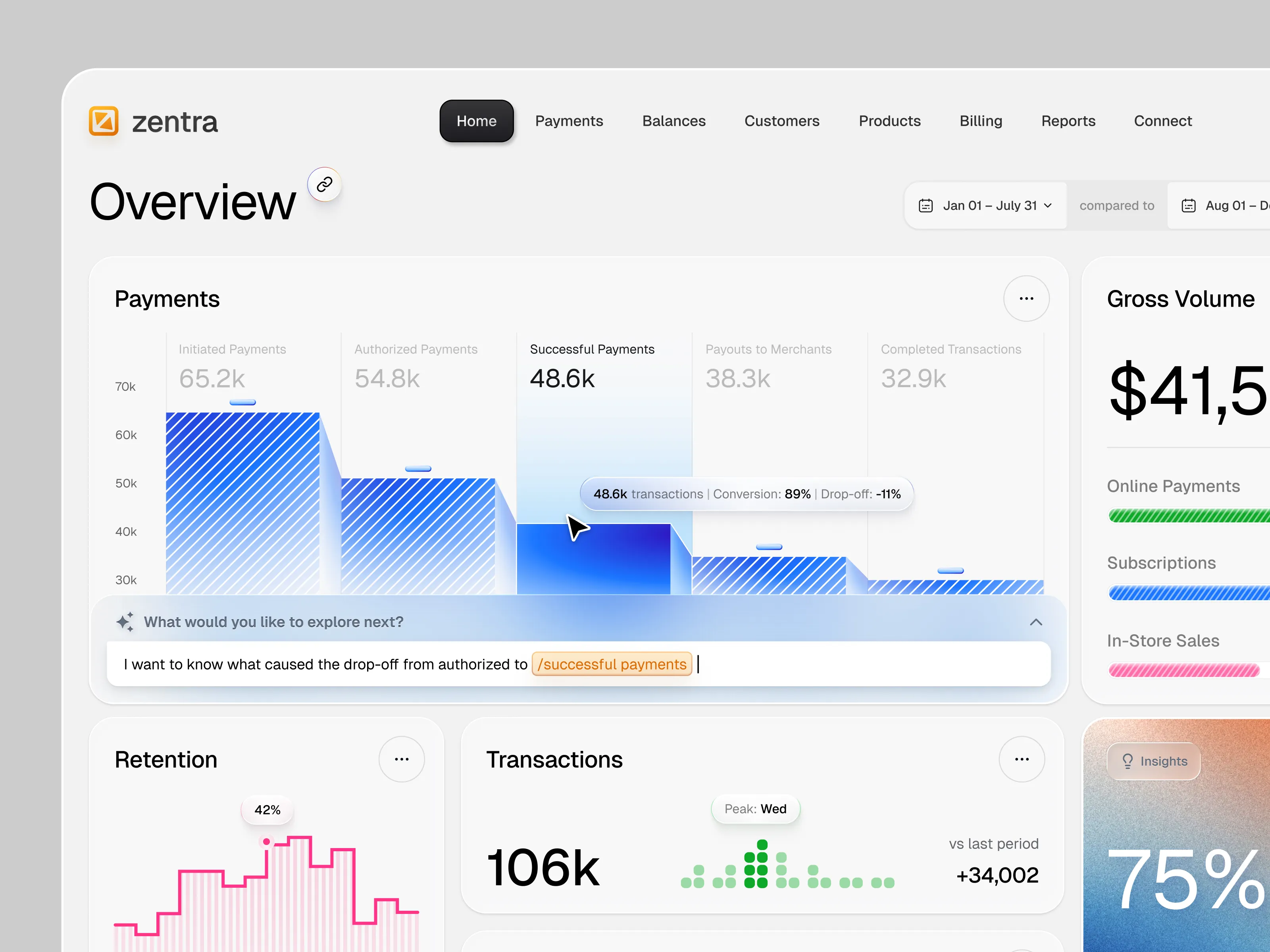
The furniture cards reserve different areas for product imagery, process copy, and promotional typography. That variety suggests several content roles. A dynamic brief should identify which module can contain which material. A product photograph should not inherit a text-only card’s spacing rules. Feed logic and fallback behavior still need their own documentation.
Solar creative: numerical claims need controlled pairings

The solar-themed layouts use prominent numerical claims and contrasting panels. In a dynamic system, such claims must remain attached to their qualifying copy and applicable market. They cannot pair freely with every photograph or destination. Approve the complete claim package before making its fields variable.
Fathom: retain identity while changing arrangement

Fathom’s repeated colors, highlights, and angled interface imagery remain recognizable across tall and wide layouts. A dynamic system would need to encode those arrangements separately. Swapping text into one stretched master would lose the hierarchy visible in the set. Specify where the headline, image, and action belong before attaching variable content.
Shopify: encode a layout family before making fields variable

The banners preserve recognizable branding while changing the product arrangement, copy length, and action placement with the available space. That suggests several template families rather than one stretched canvas. Before adding a feed, specify which image shape and text capacity each family supports.
Notorious PLG: protect the relation between message and action

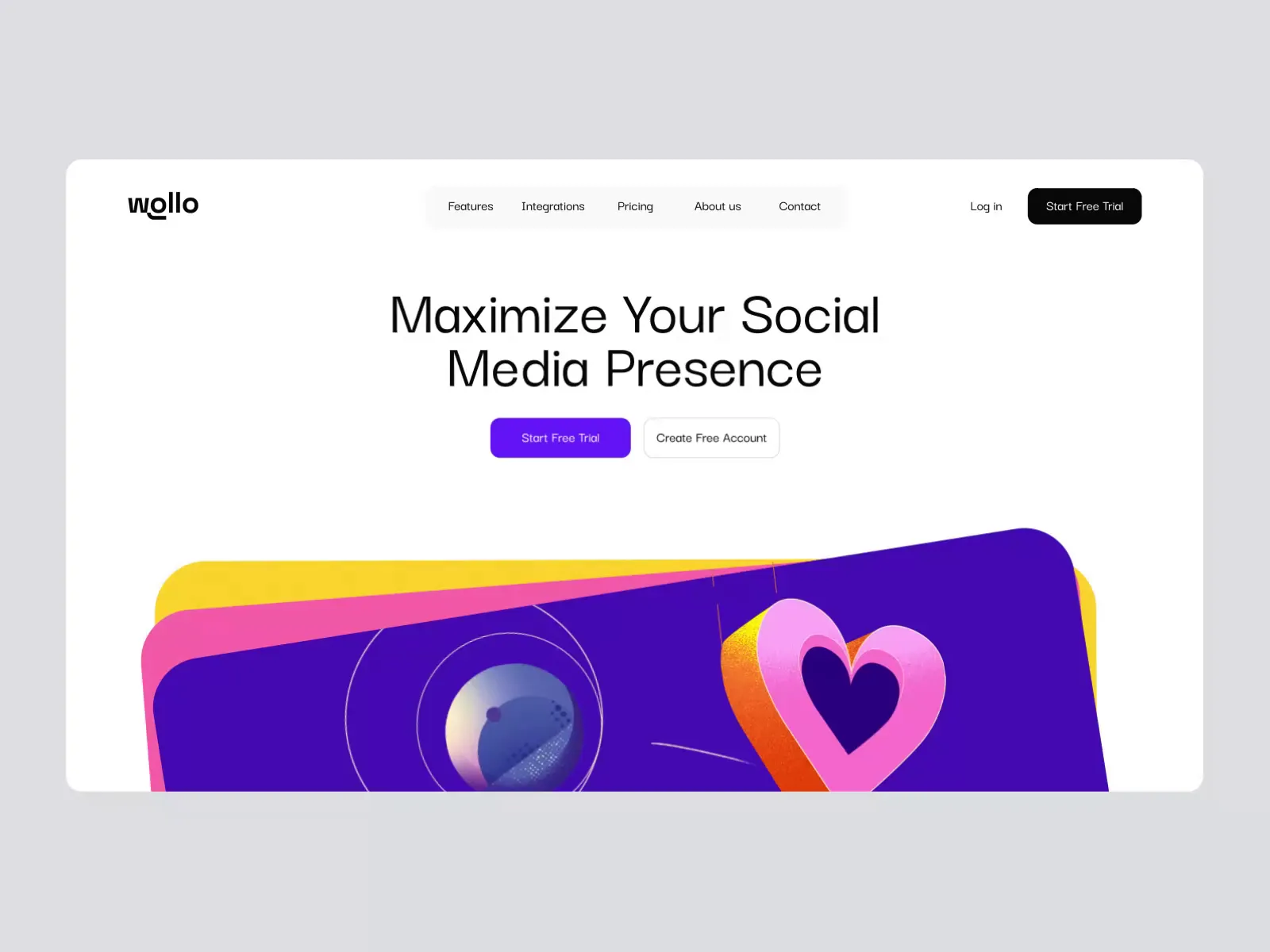
The launch cards ask for an immediate action, while the recurring-value cards explain a continuing publication. Those messages belong to different content states even though they share branding. A dynamic brief should keep the proposition and its matching action connected. Prevent a launch-only message from combining with an unrelated destination.
How to review a dynamic creative system before release
Check content selection and visual boundaries separately. A good-looking forced preview can hide a rule that would never select that row in the live campaign.
Representative extremes
Review the longest and shortest headlines, largest price string, widest and tallest products, and the most constrained layout. Include every language and required qualifier. These cases expose different failure paths, so one generic sample cannot replace them.
Eligibility and fallback states
Test an eligible product, an ineligible market pairing, a missing image, an expired offer, and a record without a matching rule. Define the expected response first. Depending on the implementation, that response can be an approved default or suppression. Do not invent a fallback offer during testing.
Google’s preview guidance distinguishes filtering by criteria from forcing a feed row. Use the relevant equivalent of both: inspect the visual result and confirm that selection rules choose the intended content.
Who owns dynamic creative work after launch?
Dynamic creative moves work into templates, content maintenance, and system review. Assign those responsibilities before the first release.
- Creative owns layout rules, image treatments, text boundaries, and exceptions.
- The product owner maintains approved data and destinations.
- Market approvers own eligibility and required wording.
- Implementation owns feed mapping, rendering, and technical validation.
- The campaign owner controls release, measurement, and the response to errors.
Dribbble Studio can supply designers, video creators, and motion creators for scoped creative production. Plan DCO platform setup and feed operations as a separate workstream with your implementation team. Your team keeps direction, offer approval, and final acceptance.
To learn which version performs better under controlled conditions, plan a separate round of creative testing. For fixed dimensions and responsive source files, check the standard banner ad sizes.
A fallback test matrix for the design handoff
Add expected outcomes for broken or incompatible inputs to the same brief as the visual templates. This illustrative matrix extends the worked example above. Your implementation team must confirm that the selected system can enforce each chosen behavior.
|
Test input |
Expected behavior in this example |
Evidence to retain |
|---|---|---|
|
Product not eligible in Market B |
Block that product-market pairing |
Rule result plus attempted selection |
|
Price present; currency missing |
Suppress the price-led version |
Error record and approved fallback |
|
Image URL fails |
Use the approved category image only if the wording still matches |
Rendered fallback plus content check |
|
Longest approved headline overflows |
Use the approved short headline or stop the output |
Preview of both text states |
|
Offer date has expired |
Exclude the offer and use only an approved current alternative |
Date-rule result and selected content |
|
Product destination belongs to another ID |
Block the mismatched package |
ID and URL validation result |
Name who approves the fallback copy, who maintains the input data, and who implements the rule. A forced preview can prove that a layout looks right with a chosen set of inputs. Testing the broken inputs checks a different property: whether the system reaches the approved outcome when the normal content is unavailable.
FAQs
What is the difference between dynamic creative and DCO?
Dynamic creative assembles ads from templates, feeds, and rules. Dynamic creative optimization adds a selection layer that uses signals and performance data to choose which approved version to serve.
Does dynamic creative mean AI-generated creative?
No. Dynamic creative can change content through templates, supplied assets, and rules without generating anything new. Record the actual production and assembly method in the brief.
Must every combination exist as a separate file?
Not necessarily. An implementation can assemble outputs from components. It still needs validated rules and a review of the permitted content space.
Is DCO the same as a creative A/B test?
No. Optimization can allocate exposure unevenly across versions. A controlled test needs its own question and a design that supports the intended conclusion.
Can one template fit every product?
Only if its image, text, and offer rules accommodate the actual range. Create separate families where shape or required information changes materially.
What should happen to an incomplete row?
Follow a documented fallback or suppression rule and notify the responsible owner. Do not let incomplete data create an unreviewed offer.
When your dynamic creative campaign needs coordinated design production, bring the component list, eligibility matrix, layout families, and acceptance cases to Dribbble Studio.