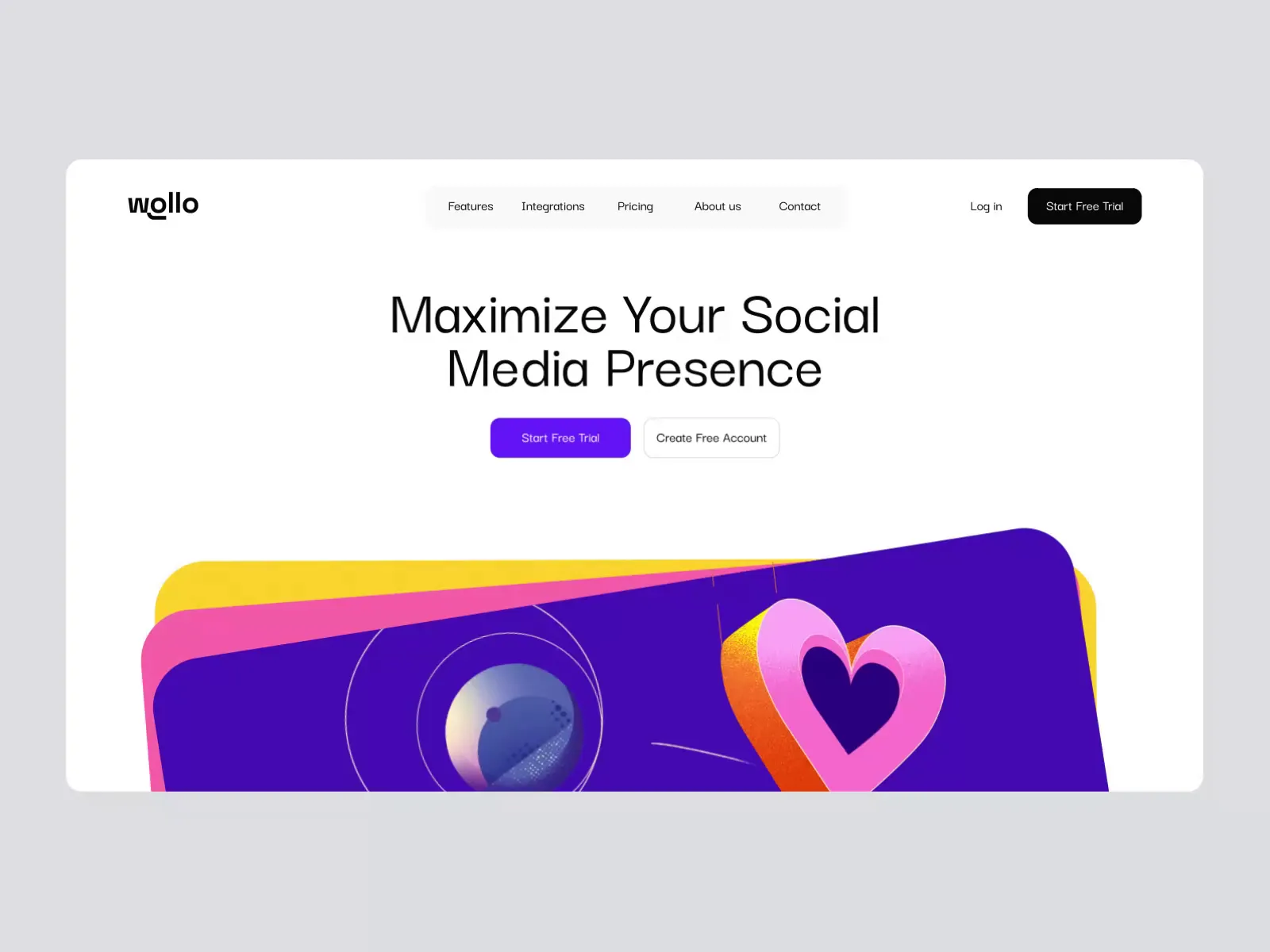
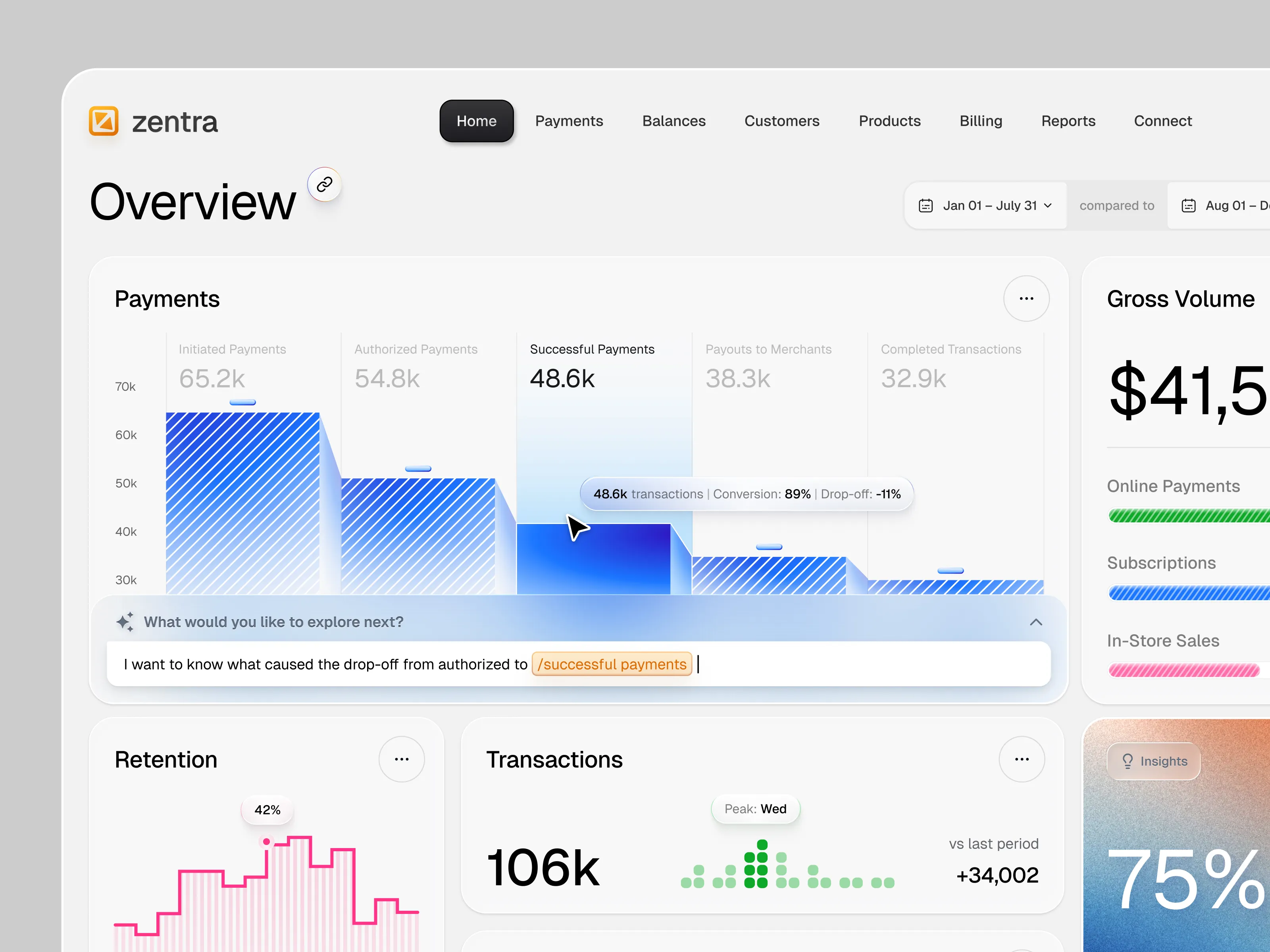
A product can fit neatly in a Pinterest Pin and lose key details when adapted for a collection. Crops, product images, and reused assets need their own review.
Use Pinterest ad specs to define the complete package before commissioning each format. The social media image sizes guide helps you plan how those assets fit into the wider campaign.

Scale creative without
adding headcount.
See how Studio works
Table of Contents
What are Pinterest ad specs?
Pinterest ad specs are the file, size, and text rules Pinterest sets for each ad format. They define accepted file types, maximum file sizes, aspect ratios, video length, and character counts.
Each format has its own rules, so the format and campaign objective come first. Vertical canvases suit Pinterest because most people use the platform on mobile devices.
What should you check before you export?
- Choose the Pinterest format and campaign objective before you count cards or export images.
- Separate recommended canvases from maximum file sizes and accepted duration ranges.
- Count a collection hero separately from its secondary product images.
- Keep text, logos, and product edges clear of interface overlays and center crops.
- Check the rendered Pin in light and dark mode before release.
What are the standard Pinterest ad specs?
The table below covers the formats most campaigns use. Every row comes from Pinterest’s ad specifications, checked on November 28, 2026. Confirm account eligibility before you commit to a format.
|
Format |
Aspect ratio |
File type and size |
Quantity or length |
|---|---|---|---|
|
Standard image |
2:3 recommended (1000 × 1500 pixels) |
PNG or JPEG; 20 MB desktop, 32 MB in-app |
One image |
|
Standard width video |
Between 1.91:1 and 1:2; 1:1, 2:3, 4:5, or 9:16 recommended |
MP4, MOV, or M4V; H.264 or H.265; up to 2 GB |
4 seconds to 15 minutes; 6 to 15 seconds recommended |
|
Max width video |
No taller than 1:1 |
MP4, MOV, or M4V; H.264 or H.265; up to 2 GB |
4 seconds to 15 minutes |
|
Carousel (non-Sales objective) |
1:1 or 2:3 |
PNG or JPEG; 20 MB per image |
2 to 5 images |
|
Shopping |
Same as standard image or video |
Same as standard image or video |
One image or video |
|
Collections |
Hero 1:1 or 2:3; secondaries share one ratio, 1:1 recommended |
PNG or JPEG, 10 MB; video hero follows video specs |
1 hero; 3 or more secondaries recommended; 24 maximum |
A recommended video length does not shorten the accepted duration range. Sales-objective carousels pull their cards from your product catalog, so the catalog supplies that creative. Confirm the route in Ads Manager before you scope assets.
What are the title and description limits?
Most Pinterest ad formats share the same text fields. Title length matters most because feeds truncate it early.
|
Field |
Limit |
Where it shows |
|---|---|---|
|
Title |
Up to 100 characters |
The first 40 characters may show in feeds, depending on the device |
|
Title in double-byte languages |
Up to 100 characters |
The first 30 characters show in feeds for languages such as Chinese, Japanese, Korean, and Arabic |
|
Description |
Up to 800 characters |
Hidden in home and search feeds; used for delivery relevance |
Some third-party guides still list a 500-character description limit. Pinterest’s current documentation allows 800.

Mukhlasur Rahman’s presentation repeats a portrait layout with a short headline above each photograph. The structure shows how a vertical Pin can stack message and image. The shot uses an older template canvas, so rebuild the idea on the current recommended size.
What are the specs for each Pinterest ad format?
Interactive and full-width formats add their own components and text rules. The table lists the formats Pinterest documents in full.
|
Format |
Components |
Aspect ratio |
File and length |
Text and safe zone |
|---|---|---|---|---|
|
Max width collections |
1 hero; 4 or more secondaries recommended |
Image hero 1:1 or 2:3; video hero 1:1 or 16:9; secondaries 1:1 or 2:3 |
PNG or JPEG, 10 MB; video up to 2 GB, 4 seconds to 15 minutes |
Secondaries that are not 1:1 crop at the center |
|
Showcase |
Title Pin plus up to 4 cards; 1 to 3 features per card |
Title Pin and cards 2:3; features 1:1 |
BMP, JPEG, PNG, TIFF, or WEBP; MP4, MOV, or M4V video; up to 32 MB; video 3 to 60 seconds |
Safe zone 342 × 430 pixels; overlay text 10 words maximum; features 50 characters |
|
Quiz |
Title Pin plus up to 3 result Pins |
Title and result Pins 2:3 |
Same file types as Showcase; up to 32 MB; video 3 to 60 seconds |
Safe zone 342 × 376 pixels; questions 96 characters; answers 48 characters |
Showcase and Quiz ads run in paid campaigns only. If the campaign also runs on other networks, the Meta ad specs guide and the LinkedIn ad specs guide cover those canvases.
Where are the safe zones on Pinterest ads?
A safe zone is the area that interface elements do not cover. Text, logos, and required disclosures belong inside it.
Pinterest publishes pixel safe zones for Showcase and Quiz ads only. For standard Pins, its creative guidance recommends visuals in the middle, key messages at the top, and extra details at the bottom.
- Showcase: keep text and important details out of the bottom 80 pixels of each card, since the interface covers that strip.
- Quiz: the bottom sheet overlaps the title Pin when it expands, so place restricted-vertical disclosures at the top.
- Collections: secondaries that are not square crop at the center, so keep each product inside the square area.
- Standard Pins: Pins taller than the recommended ratio might get cut off in feeds.
How should you prepare an image-led Pin?
Give the image one clear job: identify the product, show its context, or introduce the collection. A portrait canvas becomes hard to scan when every campaign detail competes for the same space.
For an illustrative homeware collection, lead the hero with the room setting and the approved collection message. Use secondary product images to show the individual items. Keep detailed product information on the destination page.
Keep product edges, important labels, and the approved offer inside the reviewed composition. Decorative objects can leave the crop. The product itself must stay complete. Pinterest also recommends a clearly visible logo on every ad.
Review the image and the setup copy separately. The image can be complete while the destination, title, or product association remains wrong. Include those fields in the acceptance record.

The Luxe layouts separate athlete photography, an illustrated racket, and type-led messages. That split makes a collection easier to brief as several purposeful visuals. Recompose each visual for the approved Pin format before upload.
What happens when a portrait product image becomes square?
Check the product bounds before you reuse a portrait secondary image in a square placement. A centered crop can remove both a headline and the bottom of the product.
Consider a 1000 × 1500 image cropped to 1000 × 1000. The crop removes 500 pixels of height, or 250 from each edge. The retained area runs from y = 250 to y = 1250.
An illustrative homeware layout places a lamp from y = 300 to y = 1390. The lower 140 pixels would be lost. Reposition or scale the product in a new composition, then check that the label stays readable.
|
Element |
Example vertical bounds |
Square crop outcome |
Design decision |
|---|---|---|---|
|
Collection heading |
y = 100 to 230 |
Removed |
Move into the retained area |
|
Lamp silhouette |
y = 300 to 1390 |
Bottom clipped |
Recompose around the complete product |
|
Price panel |
y = 1120 to 1240 |
Retained |
Check the final visual size |
|
Decorative floor area |
y = 1400 to 1500 |
Removed |
Accept only if it carries no required information |
Quick check: compare the product silhouette in the full image and the crop. Approve the crop only when the whole product stays visible.
The coordinates describe this example’s chosen crop. Confirm the current format preview, because interface treatment and product card rendering are separate checks.

Happi Loop’s tiles show portraits, packaging, and text each claiming part of the frame. A square adaptation needs room for whichever element is essential. Move decorative shapes first and the product label last.
Which file formats should you export for Pinterest ads?
Most Pinterest image formats accept PNG or JPEG files. Pinterest converts every uploaded image to an 8-bit RGB JPEG before it becomes a Pin or ad.
Upload PNG files in sRGB to limit quality loss during that conversion. Pinterest does not support custom color profiles, which can shift colors on published Pins.
Video formats accept MP4, MOV, or M4V files encoded in H.264 or H.265. Showcase and Quiz video uploads work on iOS and Android only. Video ads play in the feed without sound, so carry key messages in on-screen text.
How do image processing and display context affect review?
Review the rendered Pin as well as the source export. Pinterest adds a faint layer to image Pins with white or black backgrounds in the home feed.
In light mode, white or near-white images get a black layer at 4% opacity. In dark mode, black or near-black images get a white layer at 10% opacity. The treatment does not apply to video.
Keep the approved color master available during review. Expect small device differences, and focus on label legibility and the separation between pack and background.
For the homeware campaign, test the pale ceramic hero in light and dark mode. If the product edge becomes hard to see, adjust the composition before you try a global color correction.
Use a small appearance record so reviewers can flag the same issue without conflicting screenshots.
|
Review condition |
What to inspect |
Record |
Decision |
|---|---|---|---|
|
Light interface |
Pale product against pale background |
Preview plus source reference |
Adjust edge separation if needed |
|
Dark interface |
Dark furniture and brand mark |
Preview at intended display size |
Change contrast if the mark disappears |
|
Compressed or rendered image |
Fine label and product texture |
Actual rendered preview |
Replace export if required details blur |
|
Market version |
Local offer and supplied copy |
Approved local proof |
Hold if wording or price differs |
Lacto keeps bright cartons distinct against pale blue and white areas through color and overlap. That separation is a useful reference for light product backgrounds. Test the rendered Pin before you accept the source colors.
How many Pinterest assets belong in the handoff?
Count format components and reusable files separately. A product image can serve several collections without becoming several new source files.
In this illustrative homeware campaign, two collections run across three markets. Each collection needs one hero and three unique product images per market, producing 24 files. If both collections share one product image in each market, three files can serve both.
The unique file count drops to 21, provided the shared images need no collection-specific treatment. The placement count stays the same. Keep both figures in the scope so reuse does not hide acceptance work.
A carousel creates a separate ordered package. Even when its files already exist, someone must approve the sequence, destination, and product associations.
|
Package component |
Placement count |
Unique file count |
Acceptance task |
|---|---|---|---|
|
Six collection heroes |
6 |
6 |
Check collection and market message |
|
Three secondary slots per hero |
18 |
15 after approved reuse |
Check product identity and crop |
|
Total collection package |
24 |
21 |
Confirm every component is supplied |
|
Optional carousel reuse |
Defined by selected route |
Existing files unless recomposed |
Approve order and destinations |
Common mistake: quoting a collection as one image because only the hero has been designed. Its product components still need source selection, crop checks, and approval.
A defined creative production workflow keeps those approvals in sequence. Dribbble Studio matches briefs with vetted creators from a shortlist of 5 to 7 candidates and manages scoped delivery. Your team keeps offer approval and market release.
Why does Pinterest reject ads?
Pinterest reviews every ad against its advertising guidelines before delivery. The ad review process can take up to 24 hours. Editing targeting or the ad description after submission triggers a new review.
Several of those rules apply directly to creative. Pinterest’s editorial standards do not allow:
- Fuzzy, blurry, or grainy images, with at least 600 × 900 pixels suggested
- Text that is too small or blurry to read
- Sideways, upside-down, poorly edited, or poorly cropped images
- Busy layouts packed with text overlay or too many font styles and colors
- Fake play or download buttons, search bars, notification icons, or copies of Pinterest buttons
- Flashing or strobing effects
- Poor grammar, spelling errors, or excessive capitals and symbols
- Low-quality user-generated content such as selfies and screenshots
The landing page is part of review. The image, description, and destination must show the same product and offer. Promotions must match the landing page and checkout, with conditions clearly stated.
Pinterest flags a disapproval in Ads Manager and sends an email with the reason. To appeal, email Pinterest with the disapproval reason and the ad URLs.
What should block a Pinterest release?
Hold release when the selected format lacks a complete package or a current acceptance check. A correctly sized hero cannot repair the wrong product association.
First failure: the team applies the non-Sales carousel count to a catalog-driven Sales campaign. The scope and setup disagree. Confirm the campaign route before deciding which assets are supplied manually.
Second failure: a shared product image contains a market-specific price. Reusing it across markets creates an incorrect offer. Split the image into approved market variants, as the design localization guide describes. Remove the price only with campaign approval.
Third failure: a tall secondary image crops out the product base. The file passes a dimension check while the product presentation is wrong. Use the retained-area worksheet before accepting the crop.
Keep an acceptance sheet for file size, visible content, destination, product mapping, and final market approval. A single “approved” status hides which part was actually reviewed.

Janna Hagan’s campaign family balances image and text differently across layouts. Some messages fit a compact card, while others need a larger text area. Keep the longest approved message in a frame that holds it at a readable size.
Budget-owner takeaway: scope unique images, placement uses, and package assembly separately. Reuse saves production only when the shared file stays correct for every placement.
What do teams ask about Pinterest ad specs?
What size should a Pinterest image ad be?
Pinterest recommends a 2:3 aspect ratio for standard image ads, in PNG or JPEG. Other formats have their own shape and component rules, so confirm the route before you export.
What happens if a Pin is taller than 2:3?
Pinterest says Pins with a ratio taller than 2:3 might get cut off in feeds. Keep the logo, offer, and product inside a 2:3 frame.
What are the Pinterest video ad specs?
Standard width video ads accept MP4, MOV, or M4V files up to 2 GB, encoded in H.264 or H.265. Length can run from 4 seconds to 15 minutes. Square or vertical ratios suit the feed best.
Are Pinterest carousel limits the same for every campaign?
No. Pinterest separates non-Sales carousels from Sales-objective carousels that pull cards from a catalog. Use the requirements for the actual objective and creation method. Keep card order and product associations in the brief.
How many images can a Pinterest carousel ad have?
A non-Sales carousel holds 2 to 5 images at 1:1 or 2:3. Each image can be a PNG or JPEG of up to 20 MB.
Can I use the same image for a Pin and a collection?
Reuse can work when the product, market message, and framing remain appropriate. Check the hero and secondary roles separately. A shared source photograph may still need different compositions.
Why does a white Pinterest image look different after upload?
Pinterest adds a faint dark layer to white or near-white image Pins in light mode. Review the rendered result in its viewing context before changing the source. Focus on product visibility and readable required information.
How long does Pinterest ad review take?
Pinterest says review can take up to 24 hours. Editing targeting or the ad description after submission restarts review, which can add another day.
How many characters can a Pinterest ad title have?
Titles can run up to 100 characters. Feeds may show only the first 40, depending on the device. Put the product name and main message at the start.
Does a popular Dribbble shot prove a Pinterest ad will perform?
Dribbble engagement describes attention to a portfolio presentation. It does not show Pinterest campaign results, policy compliance, or substantiated product claims. Use the examples to explain design decisions.
Agree on campaign formats and revision rounds before work starts. Bring your format list, approved product images, and component ledger to Dribbble Studio to scope your next Pinterest campaign.