





Subform
Subform is a CAD-inspired design tool focused on the unique constraints of UX/UI design.
Pro
More
Elsewhere
-
Better grid systems in UI design tools Resizing a two-dimensional responsive grid in real-time (and adding margins and gutters) in Subform. --- One of the first questions Kevin and I ...
- 33
- 2
- 665
Subform
Pro
-
One Component, Multiple Sizes In design systems, a single component—like a dropdown menu—can look a little different depending on where it's used. Components in Subform work cl...
- 43
- 2
- 1,748
Subform
Pro
-
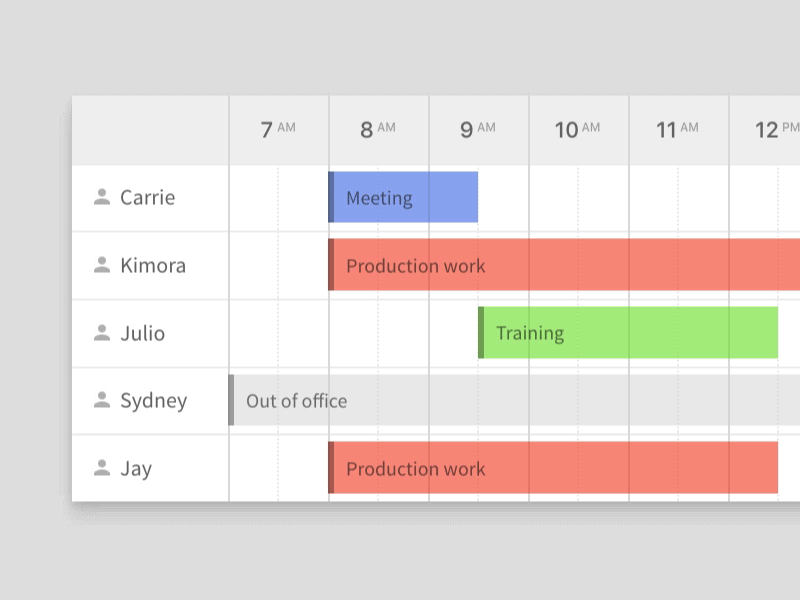
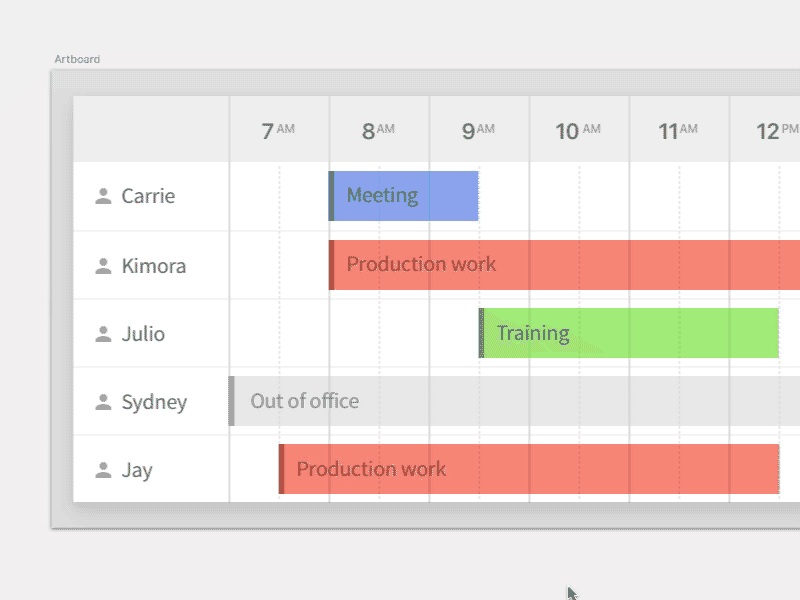
There's a better way. When your tool understands your design intent, adjusting layouts gets a lot easier. Adding three new rows to this team schedule design took 5 minut...
- 40
- 1
- 1,024
Subform
Pro
-
Stop pushing pixels! Pushing pixels isn't designing, but it takes up a ton of time. What if your tool did the drudge work, so you could focus on design? That's one of ...
- 27
- 2
- 935
Subform
Pro
-
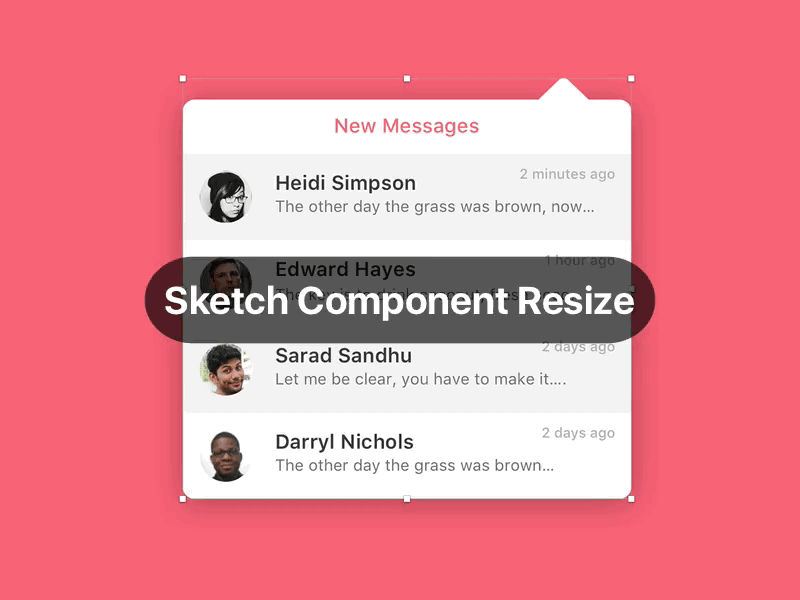
Resizing a Component: Sketch vs. Subform Some people have asked how Subform's layout engine differs from Sketch's component resizing features. Here's a simple example. Sketch can only str...
- 63
- 12
- 2,052
Subform
Pro
-
Resizing an element: Sketch vs. Subform Quick example of how Subform's layout engine can really speed up repetitive production tasks. In Sketch, scaling up the "love" reaction to show t...
- 57
- 3
- 1,517
Subform
Pro
-
Responsive To Content Elements in Subform can actually change their size in response to their content. Want to see what a longer label looks like in your button design? ...
- 40
- 1
- 1,323
Subform
Pro
-
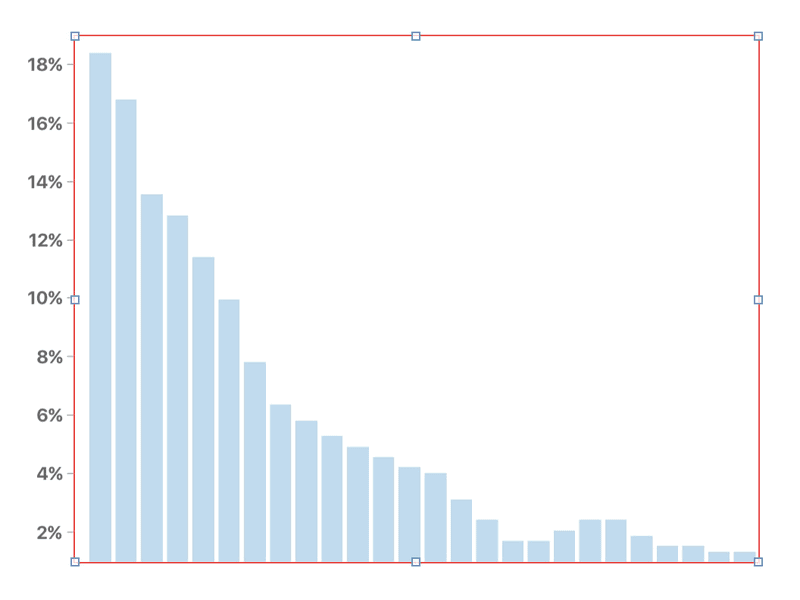
Responsive Bar Chart There are so many designs that are easier to build with Subform’s layout engine. This bar chart is a great example: you can see how it’ll look with...
- 28
- 2
- 1,223
Subform
Pro
-
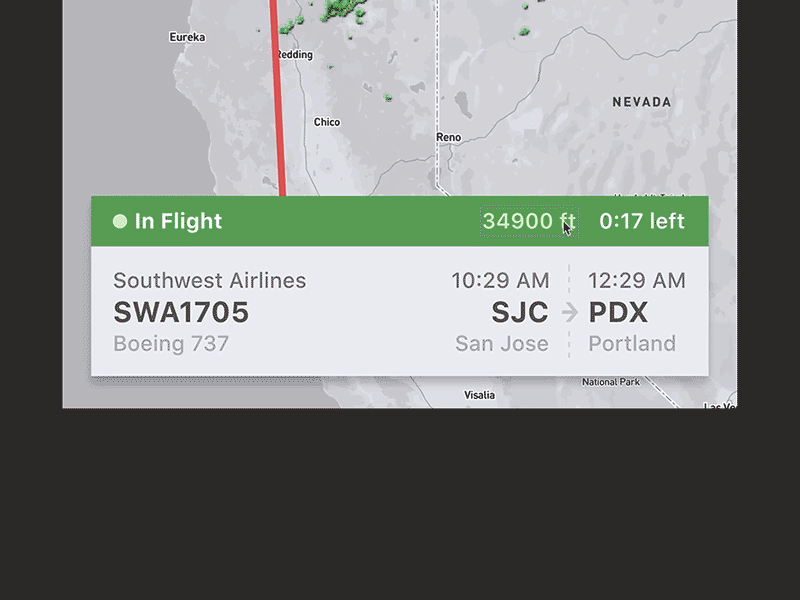
Dynamic layout Quick shot of how Subform's dynamic layout engine works. You can add or delete elements and Subform automatically adjusts the layout in real-time...
- 105
- 9
- 1,959
Subform
Pro
Loading more…