About this Service
UITOP designs complex B2B SaaS products and enterprise software built around operational workflows, multiple user roles, permissions, and large amounts of business data.
We work with product teams that need to define a new SaaS product, add major functionality, or give a growing product a stronger structure before engineering expands it further.
The work starts with the way the product operates. We map the users and roles involved, the business objects they work with, the actions available to each role, important workflow states, and the relationships between records and modules.
That product model then shapes the information architecture, navigation, dashboards, tables, forms, approvals, detail views, system states, and reusable interaction patterns.
For multi-role B2B SaaS, we also consider how permissions affect the interface. An administrator, manager, operator, analyst, or customer may work with the same underlying records but need different actions, priorities, and access scopes.
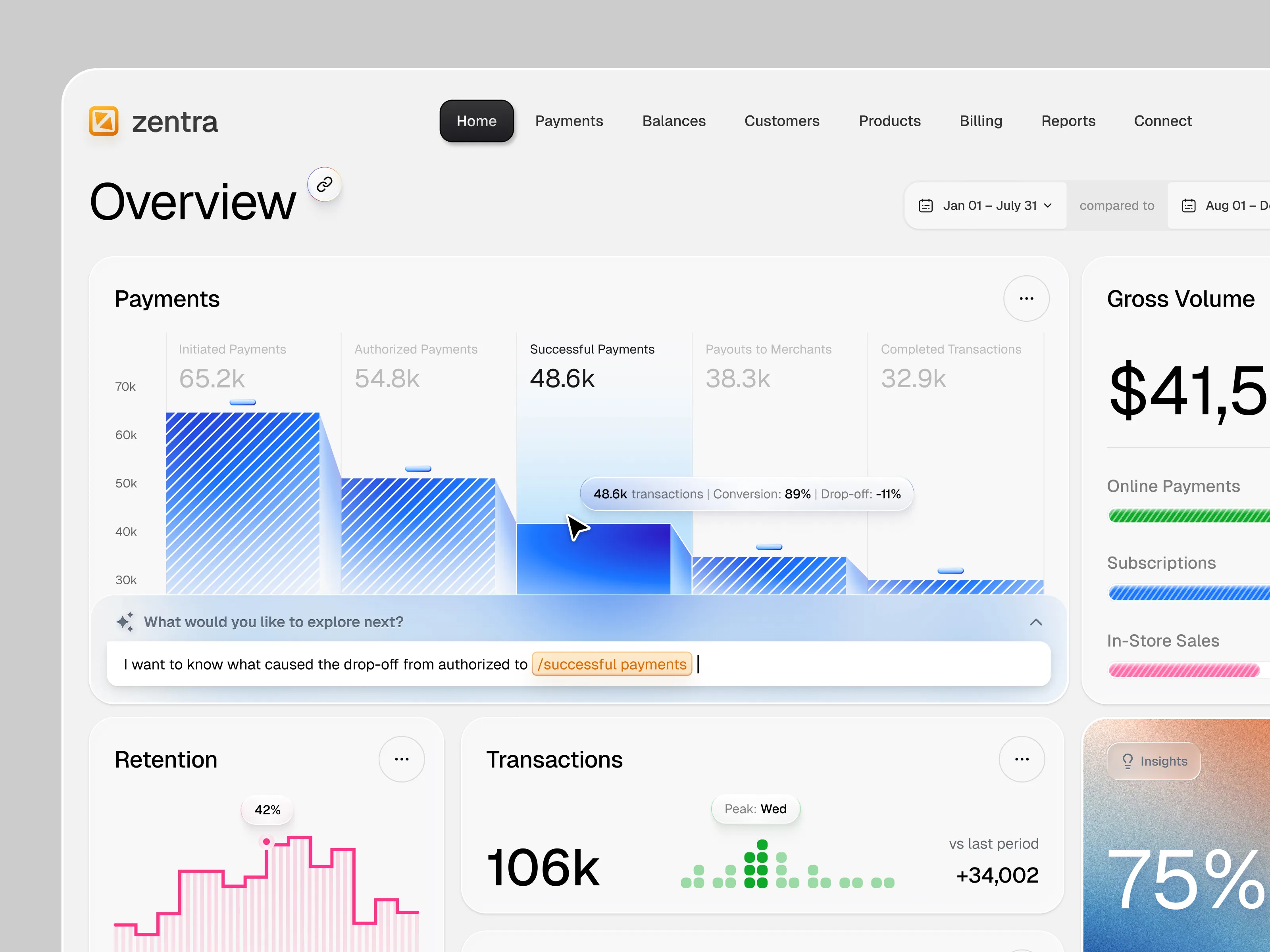
Data-heavy workflows receive the same attention. We design tables, filters, dashboards, search, comparison, detail views, and operational states around the decisions users need to make from the data.
UITOP works closely with product and engineering teams throughout this process, so the final design includes reusable components, defined states, responsive behavior, and implementation context for development.
What You Get
Product discovery and workflow analysis
User roles, responsibilities, and permission-aware UX mapping
Product architecture and information architecture
User flows for critical B2B workflows
Wireframes for key product modules
High-fidelity UX/UI design
Dashboards and operational workspaces
Data-heavy tables, filters, search, and detail views
Forms, approvals, status changes, and exception states
Empty, loading, error, permission, and edge states
Interactive Figma prototypes
Reusable component library and design system
Responsive behavior for relevant desktop, tablet, and mobile workflows
Developer-ready Figma files, specifications, and handoff support
Products We Design
B2B SaaS platforms
Enterprise software
Complex web applications
ERP and CRM products
Operations and workflow software
Admin platforms and internal tools
Analytics and reporting products
Multi-role applications
Data-heavy business software
AI-enabled B2B products
Industry-specific software
Complex B2B problems we work with
Several roles work with the same records in different ways
Permissions change which data and actions each user can access
Important workflows cross several modules or screens
Tables and dashboards contain large amounts of operational data
Users need to review exceptions, approvals, or status changes quickly
Navigation becomes harder as new modules are added
Similar actions behave differently across parts of the product
Forms and workflows contain many states, dependencies, or business rules
New functionality no longer fits the original product structure
Engineering needs reusable interaction and component patterns for future features
Who this is for
This service is a good fit for:
B2B SaaS teams defining a new product or major module
Product teams moving from an early product into a more structured SaaS platform
CPOs and product leads working with multi-role or data-heavy software
Teams adding enterprise requirements such as more granular roles and permissions
Companies that need an external product design team to work closely with internal product and engineering
Industry-specific software teams whose workflows do not fit standard SaaS patterns
What you can expect
Workflow and domain understanding: We start by understanding the actual jobs, records, states, roles, and rules behind the product before defining the interface structure.
Role-aware product design: We map what different users need to see and do, including the scope where permissions and actions apply.
Design for real product data: Dashboards, tables, filters, forms, and detail views are designed around realistic records and product states where that data is available.
A reusable product system: Components, interaction patterns, states, and layout rules are defined so future modules can follow the same product logic.
Collaboration with engineering: We document interaction behavior, component states, responsive rules, and other implementation details that engineering needs to build the approved product experience.
Direct collaboration: You work directly with the design team responsible for the project, with agreed workflows, priorities, and review points throughout the engagement.
How We Work
1. Product & Workflow Mapping: We review the product requirements, existing materials, user roles, business objects, and critical workflows.
2. Product Structure: We define information architecture, navigation, workflow relationships, and the key states the product needs to support.
3. UX & Interface Design: We design the critical workflows from wireframes through high-fidelity product screens and realistic states.
4. Prototype & Review: Key scenarios are connected into interactive prototypes for product, stakeholder, or user review where useful.
5. Design System & Handoff: Reusable components and product patterns are organized for engineering, with implementation specifications and design support during development.
Tools
Figma for product design, prototypes, component systems, and developer specifications.
Claude and other AI-assisted tools where useful for research synthesis, product exploration, and functional prototyping.
Product analytics, documentation, and research tools already used by your team can be incorporated into the design process.
Slack, Google Meet, Zoom, or your existing collaboration environment for project communication.
If your team already has a development workflow or design system, we work with the existing environment.
Experience with Complex B2B Products
UITOP has designed B2B software across logistics, accounting and fintech, construction, manufacturing, aviation, healthcare, workforce management, and other operational domains.
Our work includes products with multi-role workflows, financial and operational records, inventory and warehouse data, work orders, approvals, scheduling, reporting, and large data tables.
This gives the team practical experience designing products where interface decisions depend on the relationships between users, permissions, business records, and workflow states.
Working on a complex B2B SaaS product?
Share the product, requirements, or workflow you are planning, and we can define the design scope around the roles, data, and product logic involved.