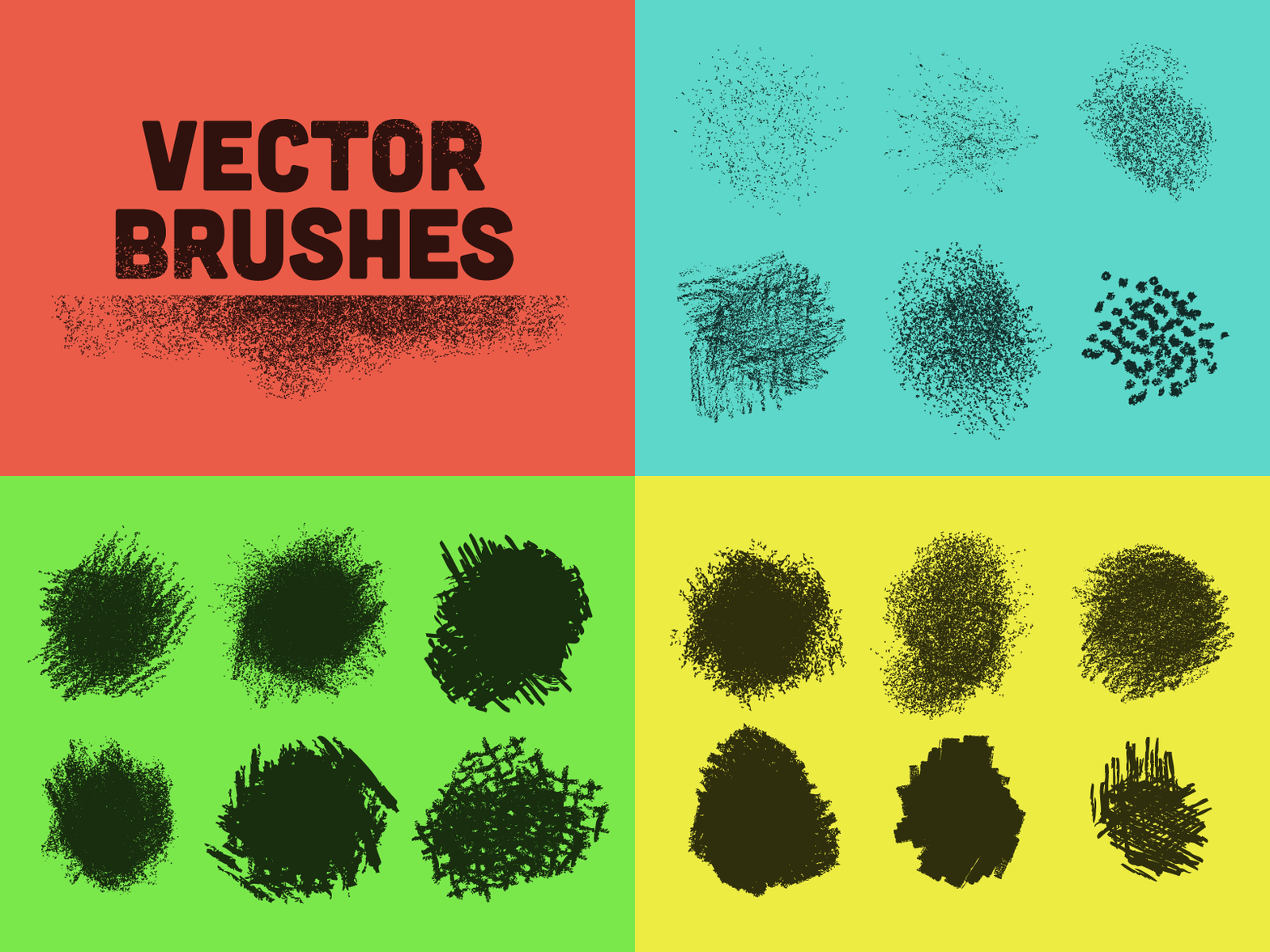
Vector Brushes: Free

Brushes

1 Attachment

17 Responses

  1. Pro Mattox Shuler Mattox Shuler

    Just followed @Ryan Clark's good ole texture tutorial and designed some vector brushes for Illustrator, so I thought I'd make 'em available here for free download.

    Check out more of Ryan's killer style and stuff over here.

    Place the file in one of the brushes folders:
    Applications > Illustrator > Presets > en_US > Brushes > Folder of your choice

    likes

    4 months ago

  2. Pro Mike Jones Mike Jones

    Good lookin' out. thx bro! Love that Tutorial.

    4 months ago

  3. Pro Oli Lisher Oli Lisher

    cool! I did the same tut, spot the brush use. http://dribbble.com/shots/793483-Luna-Rover-Illustration?list=users :)

    likes

    4 months ago

  4. Jude Landry Jude Landry

    Thanks, awesome!

    4 months ago

  5. Nate Bear Nate Bear

    OMG, these look amazing.

    4 months ago

  6. Nick Sigler Nick Sigler

    So nice! Thanks!

    4 months ago

  7. Jim LePage Jim LePage

    Thanks, man!

    4 months ago

  8. Eric Crow Eric Crow

    Any way I can get a cs4 compatible file?

    4 months ago

  9. Pro Salto Salto

    THX!

    4 months ago

  10. Brian "Doc" Reed Brian "Doc" Reed

    Killer

    4 months ago

  11. Pro Mattox Shuler Mattox Shuler

    @Mike Jones @Jude Landry @Nate Bear @Nick Sigler @Jim LePage @Salto @Brian "Doc" Reed Thanks so much guys!

    @Oli Lisher That lunar rover is killer

    @Eric Crow I tried to save it down so hopefully this should work for CS4.

    likes

    4 months ago

  12. Nate Bear Nate Bear

    Tried them out a little They work more awesomely than I expected. Now I need a reason to use em...

    4 months ago

  13. Bogie Bogie

    Thanks, awesome!

    4 months ago

  14. Pro Gershom Charig Gershom Charig

    Thanks!

    4 months ago

  15. Kawsar Ali Kawsar Ali

    Great set. Thanks for sharing

    4 months ago

  16. John Cardwell John Cardwell

    Er ma gerdon!

    4 months ago

  17. Gavin Thompson Gavin Thompson

    awesome! thanks for the freebie

    about 1 month ago

keyboard shortcuts: previous shot next shot L or F like