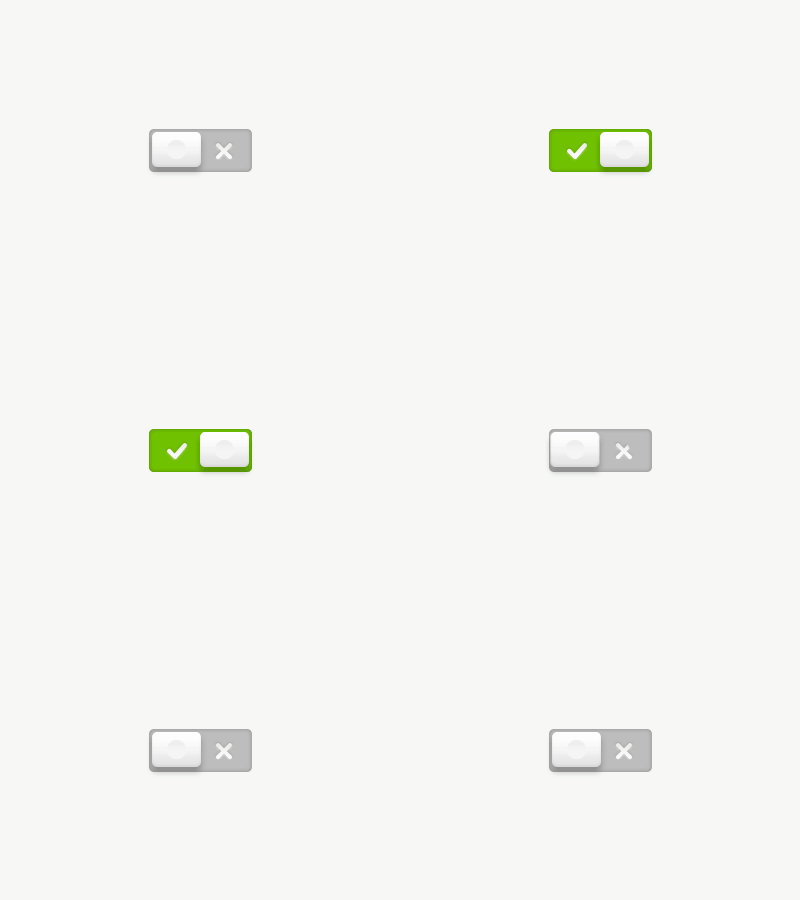
I like these animations much better because they're more subtle. And I like the little bounce it has to it.. but I'm not sure why you did the extra pixel across the bottom, rather than keeping the spacing the same as the top. Very nice though.
But anyway, not trying to get credit on @Delacro original shot, just I was about to explain all the different things I'll do and I thought it would be easier to just upload the animation.
That's what dribbble is about, right?
@Marc Kimmel Yes, basically you can load a .psd on after effects and drop individually every layer and animate them.
For this particular animation I only used keypoints on the position of the toggle, opacity on the green background and a shape mask in subtract mode on the check mark and cross layer. Hope this helps ;)
14 Responses
Pro
Jordi Verdu
I thought a .gif worth a 1000 words
7 months ago
Pro
Kevin Hamil
I like these animations much better because they're more subtle. And I like the little bounce it has to it.. but I'm not sure why you did the extra pixel across the bottom, rather than keeping the spacing the same as the top. Very nice though.
7 months ago
Pro
Chris Farina
Sick!
7 months ago
Pro
Jordi Verdu
Damn it, @Kevin, you're right
7 months ago
Pro
Jordi Verdu
But anyway, not trying to get credit on @Delacro original shot, just I was about to explain all the different things I'll do and I thought it would be easier to just upload the animation.
That's what dribbble is about, right?
7 months ago
Pro
Delacro
@Jordi VerdĂș That's cool!
7 months ago
Pro
Stephen Parker
@Jordi VerdĂș fantastic feedback.
7 months ago
Pro
Mussabekov Rustem
Greeeat animation!
7 months ago
How do you produce these kinds of animations? (software)
It's really nice by the way!
7 months ago
Pro
Jordi Verdu
@Marc Kimmel After Effects
7 months ago
You create the elements first in PS then animate them?
7 months ago
Pro
Jordi Verdu
@Marc Kimmel Yes, basically you can load a .psd on after effects and drop individually every layer and animate them.
For this particular animation I only used keypoints on the position of the toggle, opacity on the green background and a shape mask in subtract mode on the check mark and cross layer. Hope this helps ;)
7 months ago
Thanks for the explanation. Very much appreciated!
7 months ago
Pro
Jelio Dimitrov - Arsek.eu
amazing :)
20 days ago