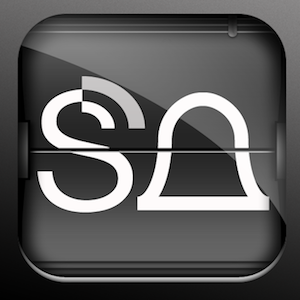
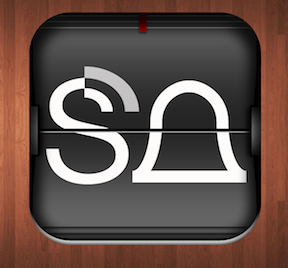
Researched real clocks and decided to move the card retaining tab from center to the right, change to black and round the corners.
about 1 year ago
Really liking the style of the icon and clever idea with the inset.
Nice attempt with the gloss but I'm not sure it's working on this attempt. Also it doesn't follow the standard 90 lighting of iOS: http://mrgan.tumblr.com/post/4213859594/broken-ios-icons ;)
@Jordan Borth Thanks! This is was the kind of feedback I was hoping for. I was truly torn on the reflection as most every clock that I looked at had a plastic shield, but the icon looked better without it. Cheers, m.
For sure man. This is what @Dribbble is all about :)
keyboard shortcuts: ← previous shot → next shot L or F like
4 Responses
Pro
Mike Massie
Researched real clocks and decided to move the card retaining tab from center to the right, change to black and round the corners.
about 1 year ago
Pro
Jordan Borth
Really liking the style of the icon and clever idea with the inset.
Nice attempt with the gloss but I'm not sure it's working on this attempt. Also it doesn't follow the standard 90 lighting of iOS: http://mrgan.tumblr.com/post/4213859594/broken-ios-icons ;)
about 1 year ago
Pro
Mike Massie
@Jordan Borth Thanks! This is was the kind of feedback I was hoping for. I was truly torn on the reflection as most every clock that I looked at had a plastic shield, but the icon looked better without it. Cheers, m.
about 1 year ago
Pro
Jordan Borth
For sure man. This is what @Dribbble is all about :)
about 1 year ago