3f6bfe56a32e11e1a9f71231382044a1_7

Tests (improved)

14 Responses

  1. Pro 3f6bfe56a32e11e1a9f71231382044a1_7 zee7 ✽

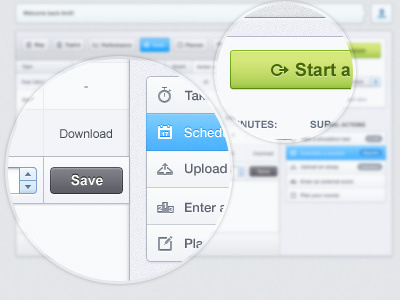
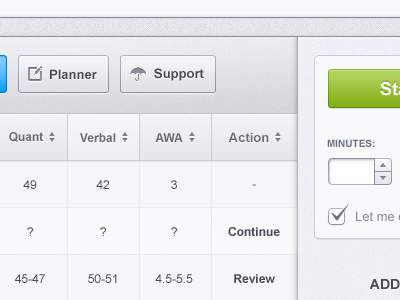
    A few new additions in the 'test page'

    Full view please

    likes

    5 months ago

  2. Pro Profielfotovierkant Dennis Covent

    Nice!

    likes

    5 months ago

  3. Pro Av Gadzhi Kharkharov

    Good!

    likes

    5 months ago

  4. Tumblr_ljl93w13m61qzpcbpo1_500 Jeroen Hofman

    I just don't like the grey color of the "save" button. In my opinion save should have a different color because you're going to save a change.

    The blue and green buttons look really clean. Very pleasing.

    likes

    5 months ago

  5. Pro Untitled-2 Mani

    coOL coOL and COol :)

    likes

    5 months ago

  6. Pro Avatar-2 Robin Bastien

    I like the full view! I made a web app 2 years ago and this makes me kill to do another one. I agree with jeroen, the save button can use some color. Anyway, added to bucket!

    likes

    5 months ago

  7. Pro 3f6bfe56a32e11e1a9f71231382044a1_7 zee7 ✽

    @Jeroen @Robin its not pure gray its mix of gray/blue but i think you're right. Maybe i should try green/blue for 'save' and that gray/blue can be used for the selected state of dropdown. Thanks!

    Thank you all guys :)

    5 months ago

  8. Pro 7bd8de26064f11e1a87612313804ec91_7 Dan Malarkey

    This looks good!

    likes

    5 months ago

  9. Pro Set Alexandre Deschamps

    Superb colors!

    likes

    5 months ago

  10. Pro Richard-right Richard Meredith

    That looks polished zee, great work.

    likes

    5 months ago

  11. Easy Daors Reka

    sexey

    likes

    5 months ago

  12. Untitled-1 Jovan Petrić

    I knew that this is your work and without looking. Pleasant style.

    likes

    5 months ago

  13. Pro Dribbble1 Chris Sharp

    Lovely this. Very calming style applied to what could potentially be a stressful system to use. Great use of colour to delineate important info/actions.

    likes

    5 months ago

  14. 866666 skfan

    wow! i like

    likes

    5 months ago

keyboard shortcuts: previous shot next shot L or F like