Matt3-500x500

Think Craft Code - Logo V4

7 Responses

  1. Pro Matt3-500x500 Matt Ward

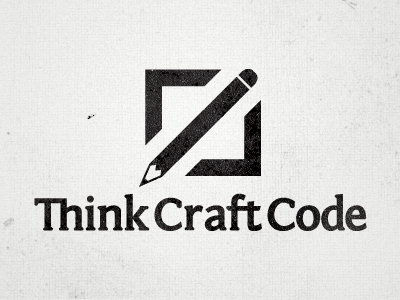
    We didn't shoot version 3 of this logo, but here is the fourth iteration, which has changes made by Andrew and myself.

    Andrew did a really great job at simplifying the mark. It's much simpler and cleaner now. I put a good couple of hours into working on customizing the type. Started with Fontin Sans and gave it a bit more of a slab serif feel.

    Thoughts?
    8 months ago

  2. Pro Avatar-tim22 Tim Smith

    Wow.. that's a beautiful logo.. I really like the concept and the ideas it communicates.

    likes

    8 months ago

  3. 305768_10150404857500971_526510970_10826932_216562975_n Dave Lilly

    Wow! LOVE it! very clever! Would it make sense to pull the pencil tip to visually complete the corner? Would it 'feel' better to allow more space b/w the graphic and the text?

    likes

    8 months ago

  4. Pro Leviflair Levi Flair

    Great logo! You guys started with a good concept, but I think this is a big jump from V2. I really like the simplified mark – much cleaner and visually appealing. The type has also made great strides. Well done gentlemen. If anything, I might play around with the size and position relationships between the mark and the type.

    likes

    8 months ago

  5. Pro Matt3-500x500 Matt Ward

    Thanks for the comments guys!

    @Dave - interesting idea about completing the corner with the pencil. We'll have to play with that.

    @Levi - sizing and positioning isn't set in stone right now. In this version, I tried to align the point of the pencil with the ascender on the k, and the right side of the box with the right edge of the t's crossbar. We have some other variations and configurations too.

    8 months ago

  6. Photo1 Brian Purkiss

    I absolutely love it.

    Lots of meaning behind the icon.

    likes

    8 months ago

  7. Avatar Joaquim Marques Nielsen

    It's genius how the classic pointy brackets from coding has been embedded here as a box. Street cred fo' sho'

    likes

    8 months ago

keyboard shortcuts: previous shot next shot L or F like
