Sombrero

Contact click

6 Responses

  1. Pro Sombrero Chandler Van De Water

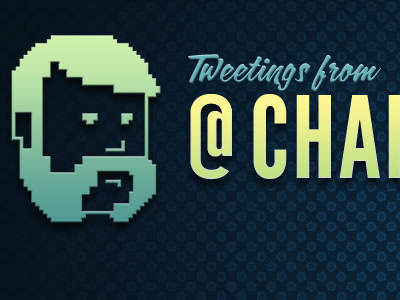
    I've removed the drop shadow and fixed the gradient to match that of my name. I also decided to include how I would display my contact info. It makes it look lopsided without the full shot. Can't wait to share the whole thing!
    almost 2 years ago

  2. Photo_41 Dave Rupert

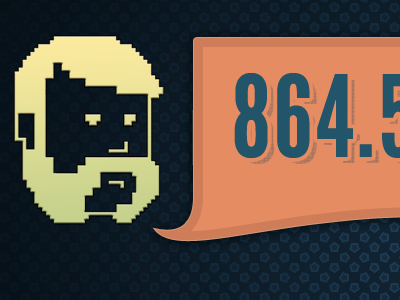
    i like what you're doing here. why'd you switch from "Tweetings from @chan..." to 864.5MHz (the frequency for wireless speaker systems)?

    almost 2 years ago

  3. Pro Brianhoff-new Brian Hoff

    Looking good Chandler. However the 4's inset on the right is cutting into the 6's drop shadow. Might want to look into adjusting that.

    almost 2 years ago

  4. Pro Sombrero Chandler Van De Water

    Ok, so - on pageload, you'll have "Greetings from..."
    On a twitter link click, you'll get "Tweetings from" with an @ (my name turns into a link to twitter).
    On a contact link click, you'll get this speech bubble overlayed with my favorite wireless speaker system frequency and my email address.

    almost 2 years ago

  5. Pro Sombrero Chandler Van De Water

    Brian, good catch. Yay, Dribbble!

    almost 2 years ago

  6. Matt-avatar-medium

    While I agree the original gradient was too busy, I'd rather see the green stay and made more subtle. With the yellow from your previous rebound I get yellow overload.

    almost 2 years ago

keyboard shortcuts: previous shot next shot L or F like