Consume welcome icon

8 Responses

  1. Pro Marc Edwards ✎ Bjango Marc Edwards ✎ Bjango

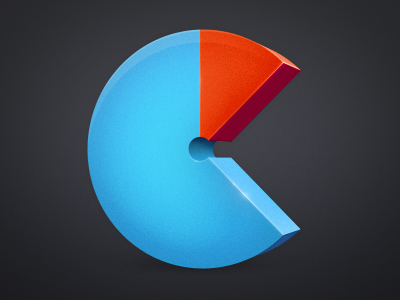
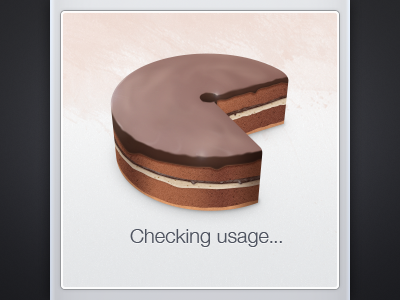
    Another take on the Consume icon. This one's being used on the app's welcome screen.

    almost 2 years ago

  2. Chris Armstrong Chris Armstrong

    Nom nom on the cake. That is all.

    almost 2 years ago

  3. Daniel Whyte Daniel Whyte

    pacman :D

    almost 2 years ago

  4. Pro Marc Edwards ✎ Bjango Marc Edwards ✎ Bjango

    WAKKA WAKKA WAKKA WAKKA

    likes

    almost 2 years ago

  5. Pro David Keegan David Keegan

    I love this, it has a retro yet modern feel and the highlights on the edges are amazing!

    likes

    almost 2 years ago

  6. Pro Wil Nichols Wil Nichols

    C'est comme Pac Man!

    almost 2 years ago

  7. Pro Andrei Atrokhau Andrei Atrokhau

    Nice color combination, nice réalisation!

    over 1 year ago

  8. A preview of Consume 2, showing graphs and the scrubber.

    Previous versions of Consume used page indicators and swiping left and right to navigate between accounts. As we added more providers, customers were able to use app for more and more things. Swiping left and right to change the view was fine for less than four accounts, but not good enough when there was more.

    Our solution was to maintain the left and right swiping ability, but to replace the page indicators at the bottom of the screen with a scrubber. This has lots of advantages: You can tap anywhere along the scrubber to jump directly to an account, or you can grab the handle and slide it around to move between accounts, and see a preview while doing so.

    We’ll be submitting Consume 2 to the App Store in the next few days. Consume 2 is a free update for Consume 1 owners.

    Edit: Consume 2 has been released! http://bjango.com/ios/consume/

    over 1 year ago

keyboard shortcuts: previous shot next shot L or F like