Me_park

Cloud Button Redux

6 Responses

  1. Me_park Dustin Senos

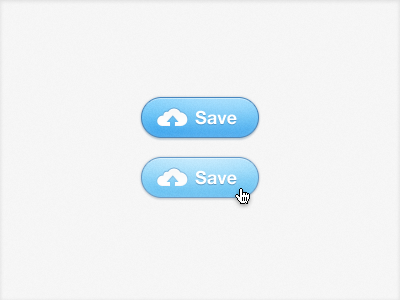
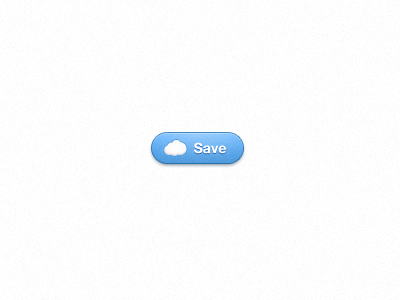
    An updated approach to a save button which indicates that your information is going to the wonderful "cloud." After looking, I now realize that the cloud shape mimics MobileMe's too closely. I'll pull the points in different directions before using this live. Thanks for the feedback on the last button.
    11 months ago

  2. Me_park Dustin Senos

    (I've since lightened the top stroke as it's too dark in the above image. Didn't believe it was worth a rebound)

    11 months ago

  3. Pro Benthumb Ben Juneau

    I like the cloud and arrow. The only suggestion would be to add the same type of drop-shadow that you used on the inside of the cloud to the text. Also the bottom outer drop-shadow needs to be a bit darker if the intent is to depict it as protruding from the canvas. I always say that the "closer" something is to the canvas the darker and the "furthest" is lighter in terms of drop-shadows.

    Everything else looks nice!

    likes

    11 months ago

  4. Logo_3d_edit Harmen van Balen

    I just love this botton... I wanne click it :P

    likes

    11 months ago

  5. Me_park Dustin Senos

    @Ben thanks for taking the time to give feedback, I really appreciate it. I agree with you about the shadow, it could be a few shades darker to help illustrate what it actually is. I'll play around with the shadow on the cloud icon, my original intention was to have the cloud appear slightly inset in the button, hence the darker top rim. Perhaps my attempt wasn't clear enough.

    11 months ago

  6. Pro Ryan Ryan Le Roux

    I feel like the contrast between the text/button/icon needs to be enhanced a tiny bit...

    Excited to see what this is for!

    likes

    11 months ago

More by Dustin Senos

keyboard shortcuts: previous shot next shot L or F like